The situation
You're redesigning your thumbnails. You want your niche's best 20 on one board.
Two clicks each, or a whole channel at once. Here's how.
On this page
Key takeaways
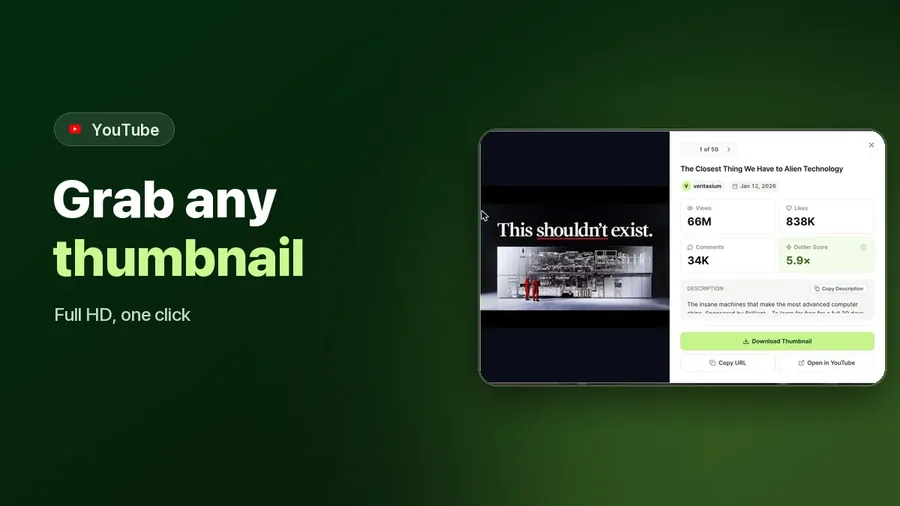
- Paste the link into the free thumbnail downloader.
- The largest public size is 1280×720.
- Study outlier thumbnails, not all-time hits.
One thumbnail, two clicks
- 1Copy the video or Shorts link
- 2Paste it
- 3Download JPG
Every size YouTube serves
Source: YouTube's public thumbnail sizes (i.ytimg.com)
Full HD isn't there on some older videos. Use Standard instead.
Making your own? YouTube's current specs allow 16:9 images up to 3840×2160. What matters most: it reads at phone size.
No tool needed (if you like URLs)
Swap in the 11 character video ID:
https://i.ytimg.com/vi/[VIDEO_ID]/maxresdefault.jpg   (1280×720)
https://i.ytimg.com/vi/[VIDEO_ID]/sddefault.jpg       (640×480)
https://i.ytimg.com/vi/[VIDEO_ID]/hqdefault.jpg       (480×360)
https://i.ytimg.com/vi/[VIDEO_ID]/mqdefault.jpg       (320×180)
A whole channel at once
- 1Analyze 50 videos in Rank Kiwi
- 2Select the outliers
- 3Download Thumbnails
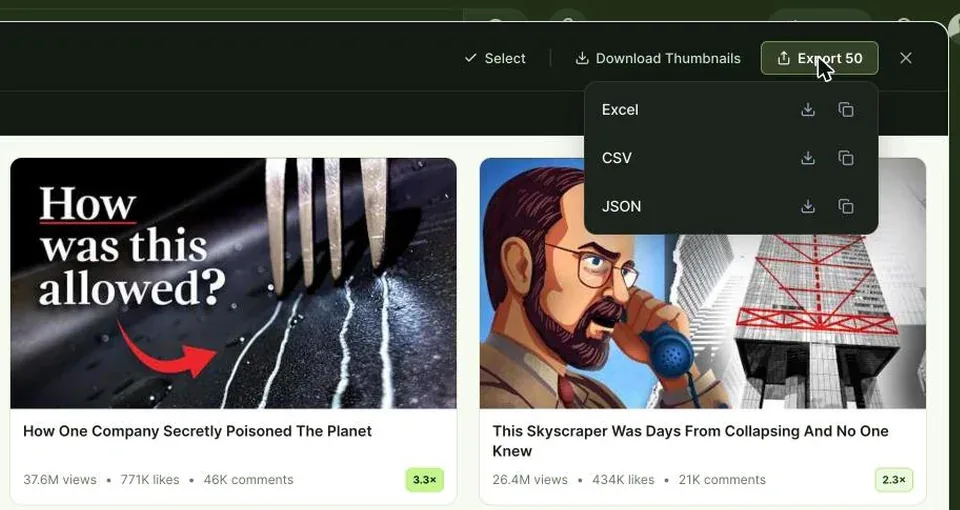 Download Thumbnails
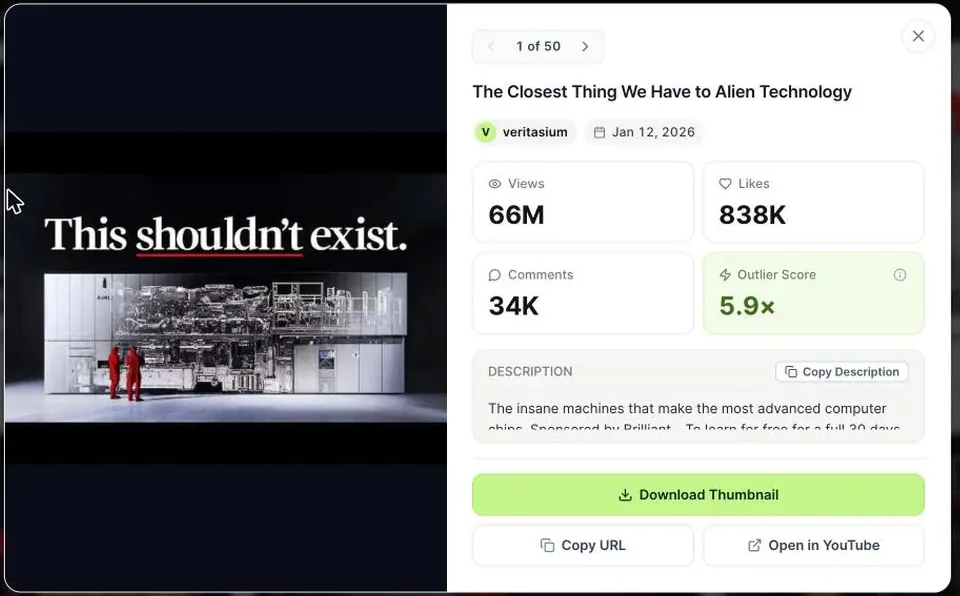 One click
Study the ones that worked
Skip all-time hits. Collect thumbnails from videos at 3× their channel's median.
Video: [title] · [score]× median
Focal point: [ ]
Face / expression: [ ]
Text: "[ ]" ([n] words)
Shows what the title doesn't: [ ]
Readable at phone size? [yes/no]
Pattern to try: [ ]
Test your own
- 1Pick an underperforming video
- 2Swap in a bold new thumbnail
- 3Compare views after 1 to 2 weeks
Eligible channels can use YouTube Studio's Test & compare for up to 3 thumbnails.
Use them responsibly
Fine
- Mood boards
- Research
- Client pitches, labelled
Not fine
- Uploading them on your video
- Light edits passed off as yours
Next: read the first 30 seconds of the same outliers.
Quick check
Thumbnail quick check
Frequently asked questions
What size are YouTube thumbnails?
For uploading, YouTube's help page currently recommends 16:9 thumbnails up to 3840×2160 pixels with a minimum width of 640 pixels (Shorts: 9:16). For downloading, the largest public version of a video's thumbnail is 1280×720, with smaller 640×480, 480×360 and 320×180 versions.
Why is the HD (maxres) thumbnail missing?
Some videos, mostly older or low-resolution uploads, don't have a 1280×720 version. Use the next size down (Standard 640×480 or High 480×360).
Can I download a YouTube Shorts thumbnail?
Yes. Paste the youtube.com/shorts/ link into the thumbnail downloader. Shorts have the same set of thumbnail sizes as regular videos.
Can I use someone else's thumbnail on my video?
No, not without permission. A thumbnail is the creator's artwork. Download thumbnails for reference, research and mood boards, then design your own.
How do I download every thumbnail from a channel?
Run the channel through the Rank Kiwi Chrome extension, then click Download Thumbnails in the results toolbar, or select specific videos first. You get the thumbnails of every analyzed video in one go.
Sources

Founder of Rank Kiwi. I build free research tools for short-form creators and test every workflow in this blog on real Instagram and YouTube accounts. Questions or corrections: say@hibhavishya.in.