The situation
A 66M view video. You want to read how it opens, not watch 20 minutes.
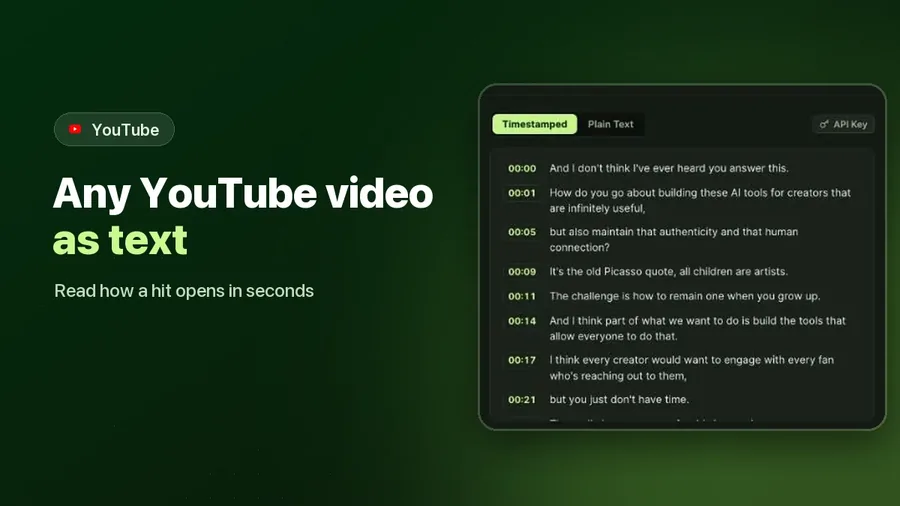
YouTube already has the transcript. Here are 3 free ways to get it, including Shorts.
On this page
Key takeaways
- Desktop: description → …more → Show transcript.
- Shorts: swap /shorts/ for /watch?v= to open the same panel.
- No captions means no transcript. It's free, but it only exists when captions do.
Method 1: Show transcript (desktop)
- 1Open the video
- 2Click …more under the title
- 3Click Show transcript
The CC button only shows captions. It doesn't open the transcript.
Method 2: Copy it as clean text
- 1Open Show transcript
- 2⋮ menu → Toggle timestamps
- 3Select all lines and copy
Paste into Notes, Docs or ChatGPT. One video takes about 20 seconds.
Method 3: Shorts
- 1Copy the Short's link
- 2Change /shorts/ID to /watch?v=ID
- 3Open it, then Show transcript
Shorts hide the transcript panel. The normal video page shows it.
No transcript button?
Which method when?
What to do with it
Your own videos
- Cut long videos into Shorts
- Blog posts and notes
- Find your best hooks
Other people's videos
- Study the opening
- Quote with credit and a timestamp
- Never re-upload as yours
Study openings that worked
- 1Find outliers on a channel
- 2Open the top 3 to 5 transcripts
- 3Compare their first 30 seconds
- 4Write your own opening
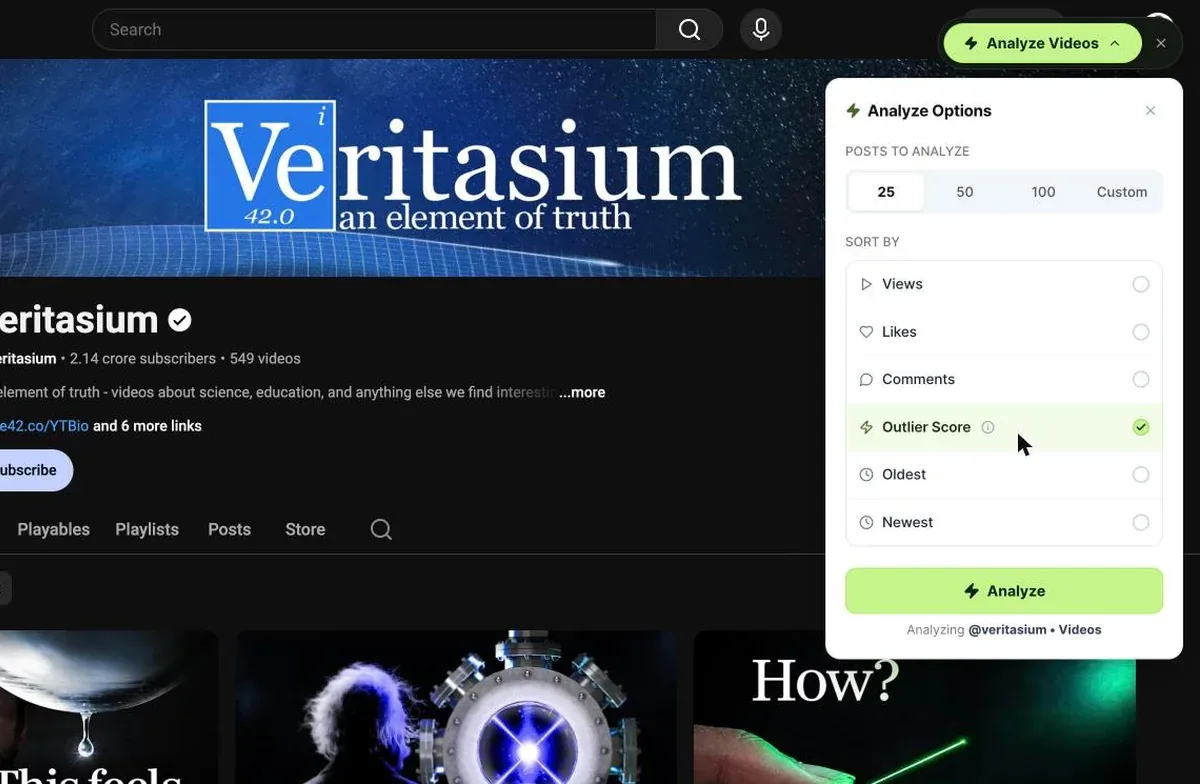 Sort
1Pick how many videos. Keep Outlier Score. 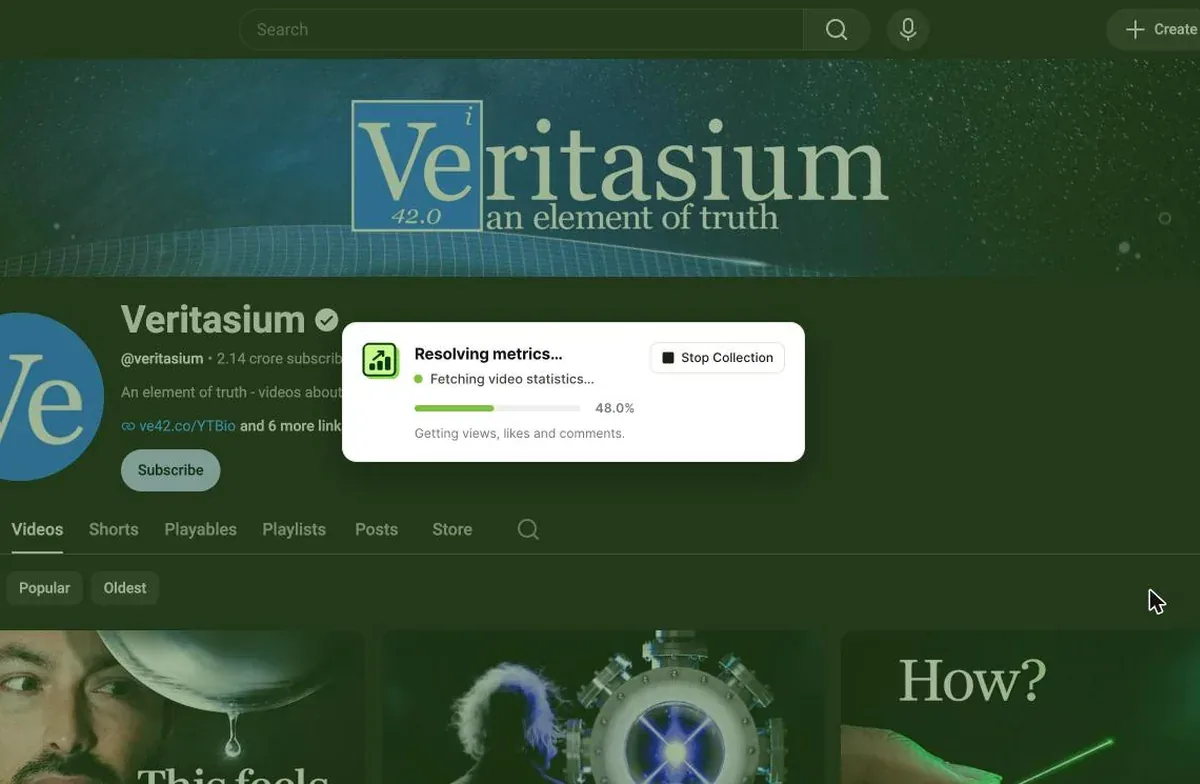 Exact counts
2It fetches exact views, likes and comments. 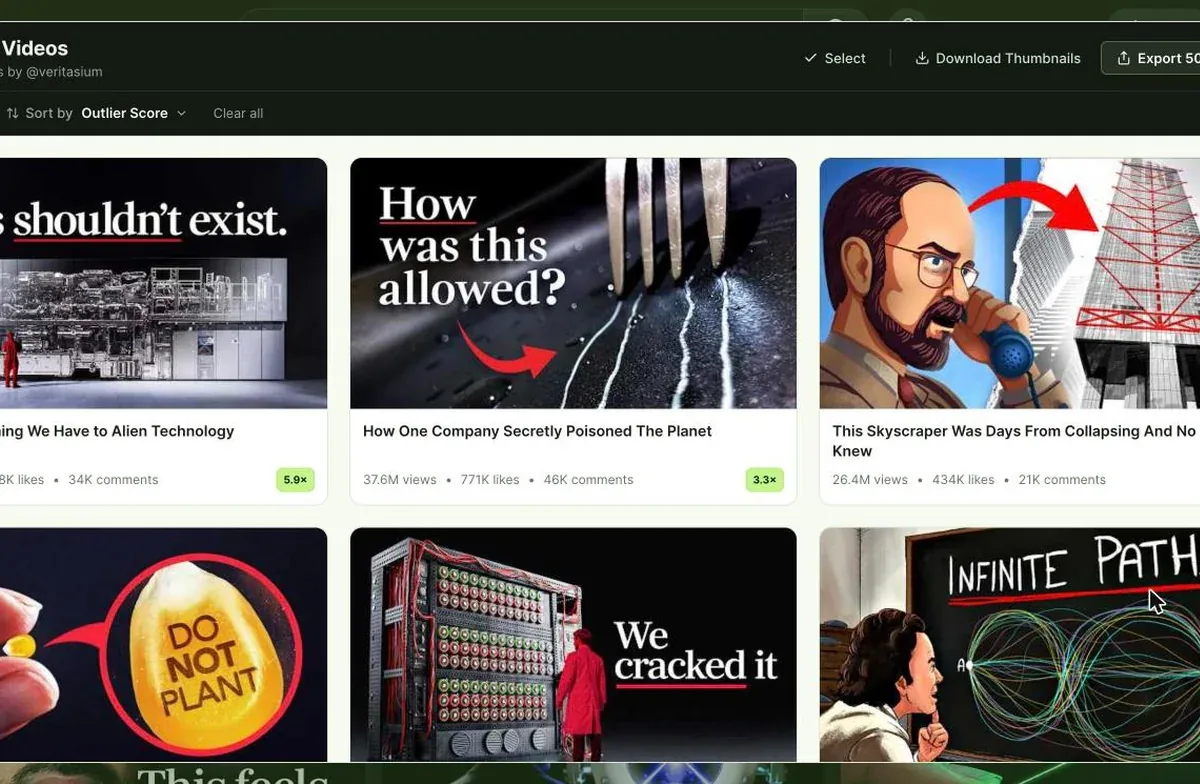 3.3×
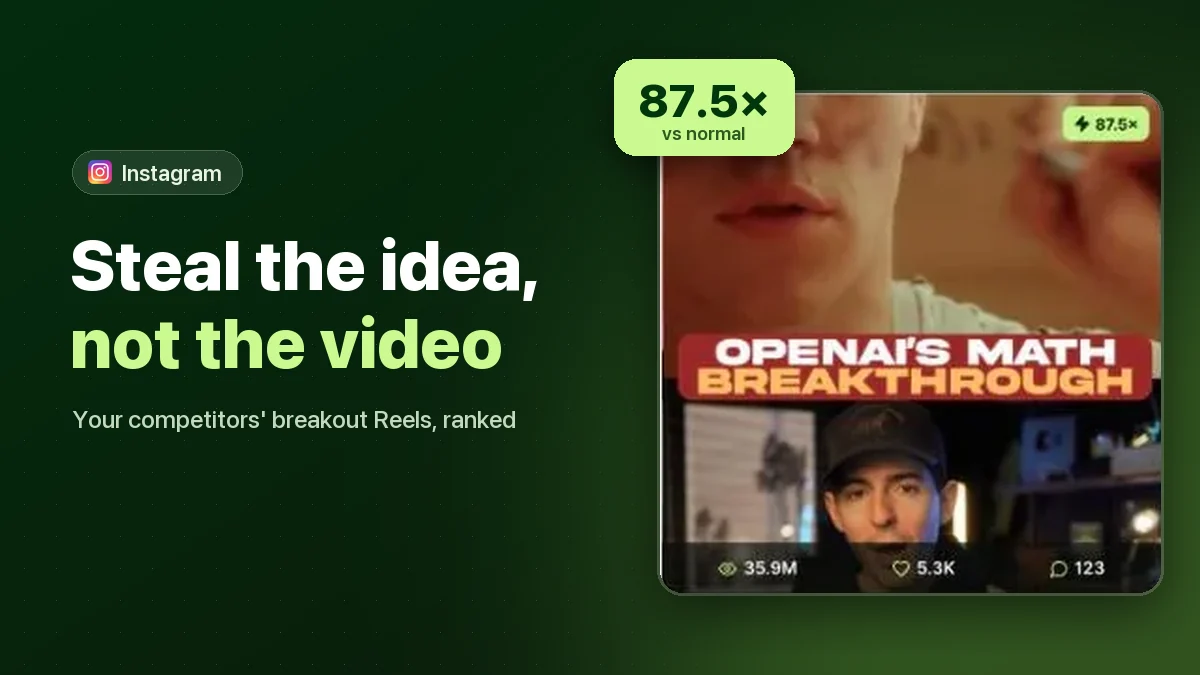
3Videos are ranked by how far they beat the channel's median.
Find outliers with the free Rank Kiwi extension or our outlier guide.
Below are the first 30 seconds of [number] videos that each got 3×+ their channel's median.

[Title + first 30 seconds, for each]

1. How does each opening confirm the title's promise?
2. Which techniques do they share?
3. Draft 2 original openings for "[your title]". No reused sentences.
Quick check
Transcript quick check
Frequently asked questions
Why is there no "Show transcript" button on a video?
The video has no captions. That happens when the creator hasn't uploaded any, auto-captions are turned off, or YouTube couldn't generate them (music-only videos, very new uploads, or some languages).
How do I get the transcript of a YouTube Short?
Open the Short on a computer and change youtube.com/shorts/VIDEO_ID to youtube.com/watch?v=VIDEO_ID. The Short opens as a normal video page, and Show transcript is in the description if it has captions.
Can I copy the transcript without timestamps?
Yes. In the transcript panel, open the ⋮ menu and choose Toggle timestamps. Then select the text and copy it.
Are YouTube auto-generated transcripts accurate?
They're usually good for clear speech in widely supported languages, and weaker with heavy accents, jargon, names and background music. Creator-uploaded captions are the most accurate when they exist.
Can I get the transcript in another language?
If the creator uploaded caption tracks in several languages, switch the language at the bottom of the transcript panel. Otherwise, copy the text into a translator.
Sources

Founder of Rank Kiwi. I build free research tools for short-form creators and test every workflow in this blog on real Instagram and YouTube accounts. Questions or corrections: say@hibhavishya.in.