The situation
Your editor wants 10 reference Reels by tonight. Instagram's Save button won't cut it.
Save only keeps them inside the app. Here's how to get the actual MP4s, fast.
On this page
Key takeaways
- Instagram's Save is only an in-app bookmark.
- Paste the link into the free Reel downloader on any device.
- Reference is fine. Reposting needs permission.
Any device: paste the link
- 1Share, then Copy link
- 2Paste into the downloader
- 3Download MP4
- Original quality, usually 720p or 1080p.
- No login, no watermark added.
- Public Reels only.
PC or Mac: one click on Instagram
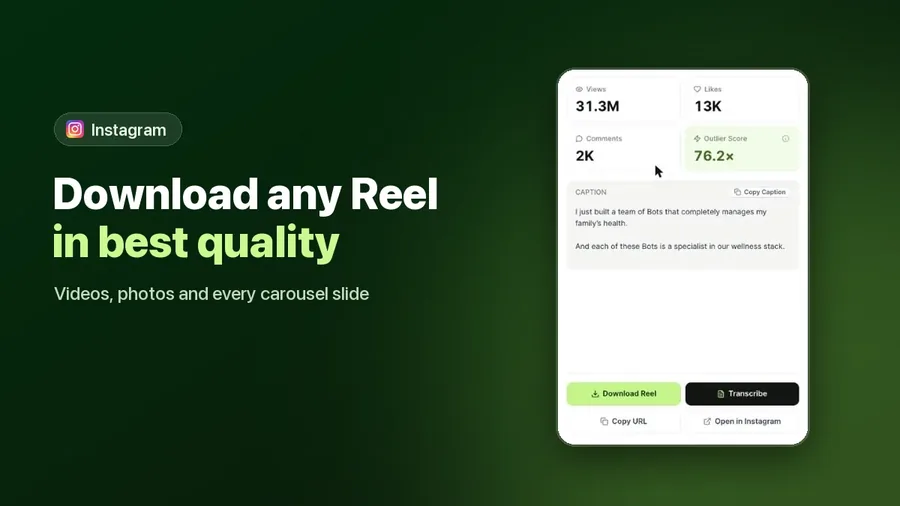
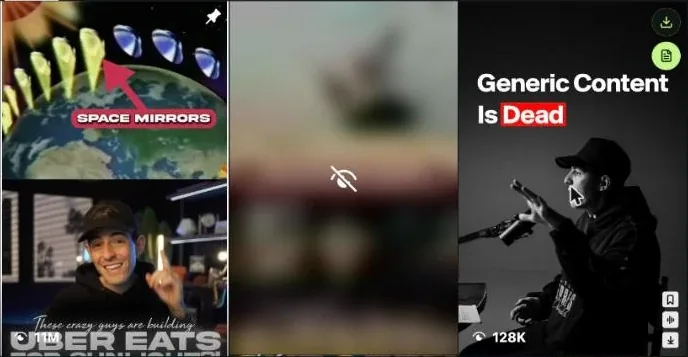
The free Rank Kiwi extension adds a download button to every Reel.
 Download
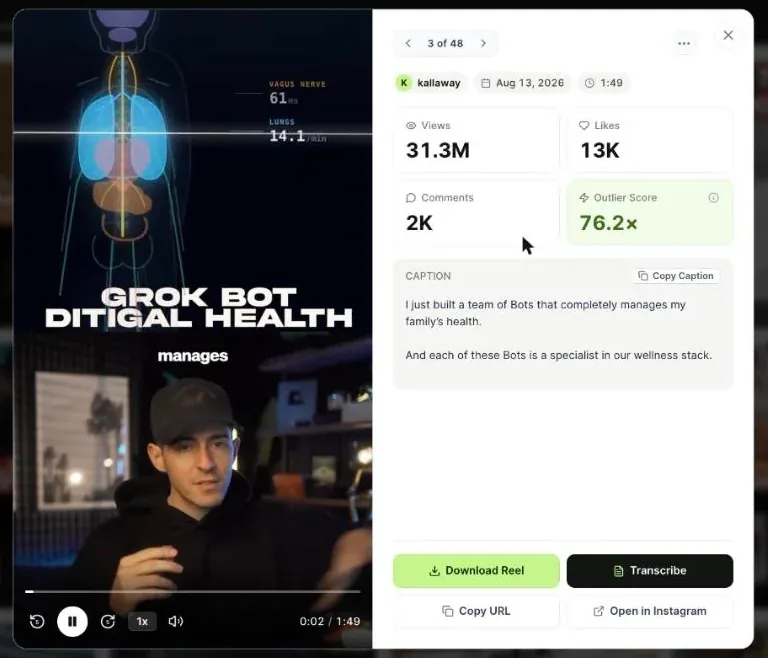 Download Reel
It downloads from your own browser. Nothing goes through our servers. Docs.
iPhone
- 1Copy the Reel link
- 2Paste in Safari, tap Download
- 3Files, then Downloads
- 4Share, then Save Video
Android
- 1Copy the Reel link
- 2Paste in Chrome, tap Download
- 3Find it in Downloads or Gallery
A creator's best Reels, in one go
Don't download everything. Download what worked.
- 1Analyze 50 Reels
- 2Filter to 3× and up
- 3Select all
- 4Download
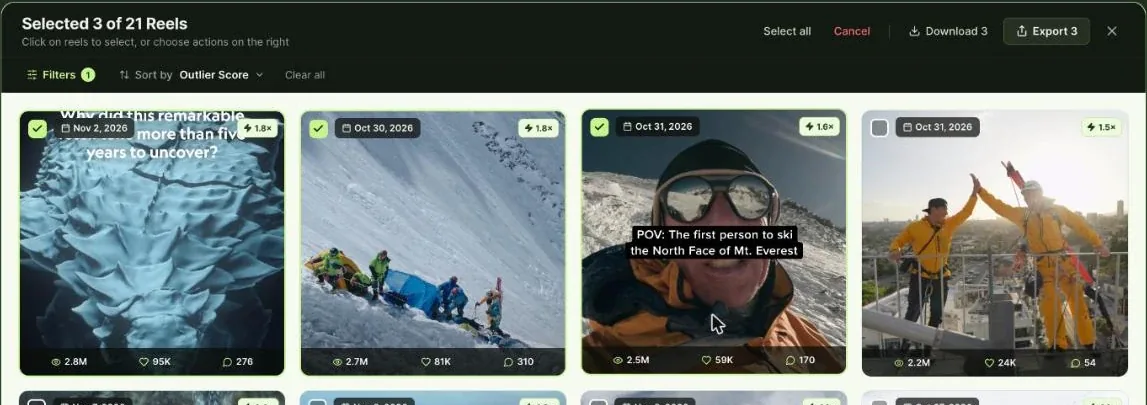 Download 3
Back up all your own Reels
- 1Settings
- 2Accounts Center
- 3Your information and permissions
- 4Download your information
Instagram emails you when the file is ready.
Photos and captions
What's okay to do with it
Generally fine
- Private mood board
- Reference for your editor
- Studying the edit
- Backing up your own Reels
Ask first
- Reposting, even with credit
- Ads or client work
- Compilations
- Removing their name
Not legal advice. When in doubt, DM the creator.
Won't download?
Want the words too? Transcribe the Reel.
Quick check
Download quick check
Frequently asked questions
Can I download Instagram Reels without an app?
Yes. A web-based downloader works in any browser on desktop, iPhone or Android. Paste the Reel link and save the MP4. Nothing to install.
Where does the Reel go on iPhone?
Safari saves it to the Downloads folder in the Files app. Open it there and use Share → Save Video to move it into Photos.
Can I download Reels from a private account?
No. Only public Reels can be downloaded. Private accounts are only visible to approved followers, and no legitimate tool can bypass that.
Will the creator know I downloaded their Reel?
No. Downloading a public Reel doesn't notify the creator. If you plan to share it anywhere, ask them first and credit them.
Why does a download sometimes fail?
Instagram sometimes limits requests that don't come from a logged-in browser. Wait a minute and retry. Downloading from inside your own Chrome with the Rank Kiwi extension avoids most of these failures, because the request comes from your normal browsing session.
Can I download Instagram photos and carousels too?
Photos, yes: the free Instagram Photo Downloader saves full-size JPGs from single posts and every image in a carousel. For videos inside posts, use the Reel downloader with the post link. The extension's download button is for Reels.
Sources

Founder of Rank Kiwi. I build free research tools for short-form creators and test every workflow in this blog on real Instagram and YouTube accounts. Questions or corrections: say@hibhavishya.in.